
65 Inch TV Wall Mount Depth Guide: How Close Is Too Close in 2026?
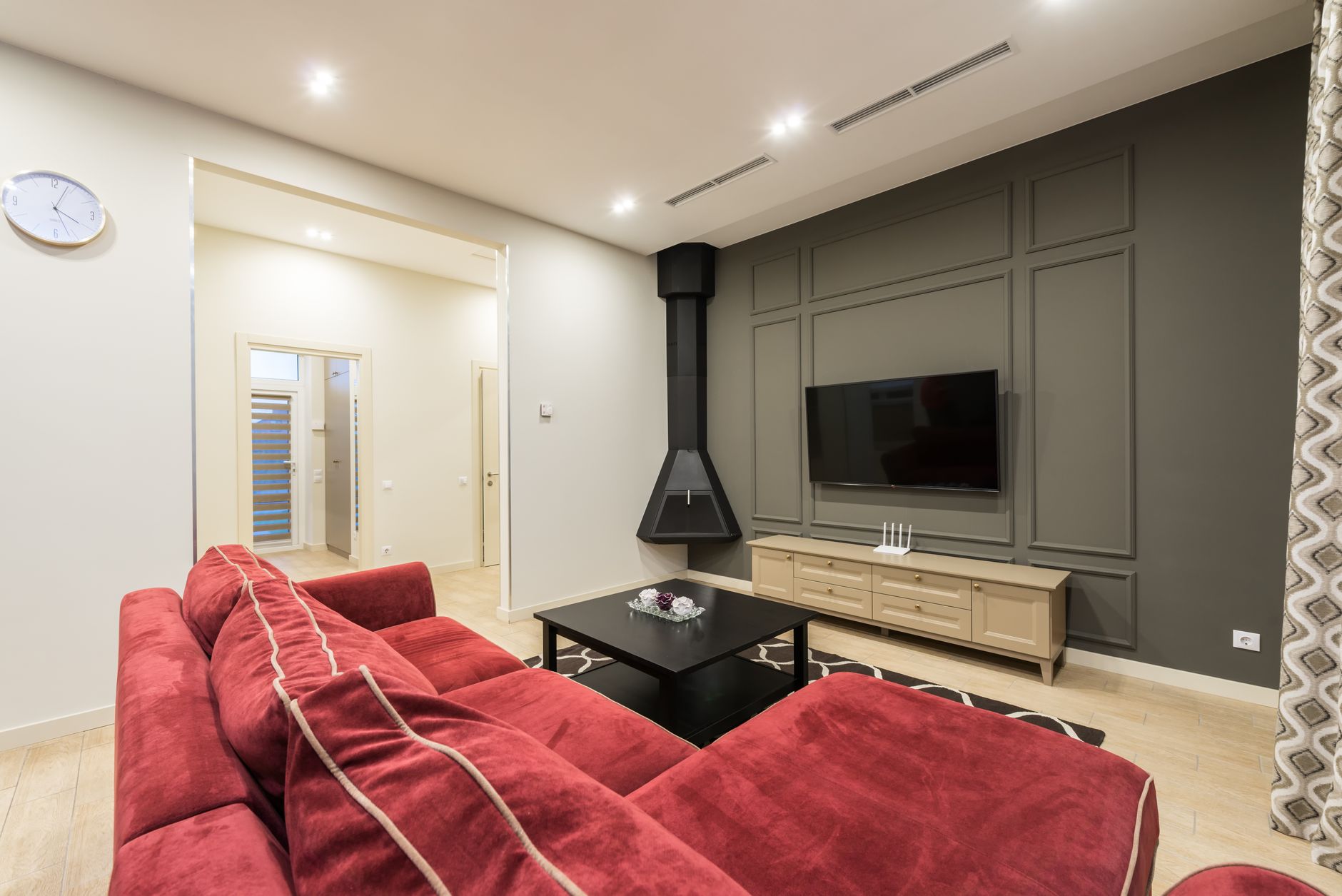
The living room wall mount is having a moment. With MediaTek’s latest press releases highlighting dramatically more efficient processing chips in 2026 smart TVs, manufacturers are finally shaving real millimeters off TV chassis without sacrificing performance. That means your 65 inch panel sits flatter than ever—but “flatter” doesn’t automatically mean “better mounted.” The real question isn’t how thin your TV is; it’s how much depth you build into the wall mount equation.
This 65 inch TV wall mount depth guide solves the exact problem most how-to articles skip: the three-dimensional math of modern mounting. Not just “how high” or “which bracket,” but how far your 65 inch screen should sit from the wall surface for optimal viewing, ventilation, and that elusive floating aesthetic everyone wants but few achieve.
Why Depth Matters More Than Ever in 2026
TV thickness has dropped roughly 40% since 2020, but wall mount depth recommendations haven’t kept pace. Here’s the disconnect: a 2026 65 inch OLED might measure 1.7 inches at its thickest point, yet the functional depth—accounting for cables, power bricks, tilt mechanisms, and thermal breathing room—often pushes 3.5 to 4.5 inches.
MediaTek’s new chip architectures, detailed in their recent press room updates, enable cooler operation in slimmer enclosures. Cooler operation means less mandatory air gap. Less air gap means you can mount closer if you plan for it. But “can” and “should” diverge quickly.
The non-negotiable depth budget for 2026 65 inch mounts:
- Flush aesthetic target: 2.0–2.5 inches from wall to panel face
- Practical minimum (cables hidden): 2.75 inches
- Tilt mount range: 3.5–5.5 inches at top edge when angled
- Full-motion arm collapsed: 2.0–3.0 inches; extended 15–22 inches
Calculating Your Exact 65 Inch TV Wall Mount Depth
Generic “two inches” advice fails because depth isn’t one measurement—it’s a stack. Here’s how to calculate yours without the guesswork.
Step 1: Measure your TV’s rear profile honestly. Ignore marketing “thin” numbers. Measure from the wall-contact point (usually the VESA mount bump, not the panel edge) to the farthest rear protrusion. On 2026 65 inch sets, this is often the lower-third electronics housing, not the center mount.
Step 2: Add bracket depth in its installed state. Fixed low-profile brackets run 0.25–0.75 inches. “Ultra-slim” tilting brackets still need 1.0–1.5 inches for the hinge mechanism. Full-motion arms collapse to 1.5–2.5 inches but rarely tighter.
Step 3: Account for cable radius. HDMI 2.1 cables have a minimum bend radius of about 1.5 inches. Power cables need similar. If you’re routing through the wall, a recessed media box adds 0.5–1.0 inch to your depth stack but saves you from surface cable chaos.
Step 4: Build in thermal margin. Even with MediaTek’s efficiency gains, 65 inch panels dissipate 80–150 watts during peak HDR playback. A dead-flush mount traps heat. Allow 0.5 inch minimum air channel, 1.0 inch preferred.
Real 2026 example: Samsung S95F 65 inch OLED
- Rear housing depth: 1.6 inches
- Fixed bracket: 0.4 inches
- Cable clearance: 1.2 inches
- Thermal gap: 0.5 inches
- Total functional depth: 3.7 inches
That “thin” TV needs nearly four inches of planned depth. Plan for less, and you’re either crushing cables or suffocating the panel.
The Recessed Box Strategy: Hiding Depth in Plain Sight
The pro installer secret for 2026? Don’t fight depth—recess it. A properly installed recessed outlet and media box set into the wall framing buys you 2.5–3.5 inches of effective depth without pushing the TV surface farther into the room.
Recessed installation specs for 65 inch setups:
- Box type: Arlington LVCE1-2 or similar; rated for 55 lbs static load minimum
- Depth into stud bay: 2.5 inches typical (watch for fire blocks in exterior walls)
- Height placement: Centered at your calculated viewing height, usually 42–48 inches from floor to screen center
- Width allowance: 14 inches minimum for 65 inch VESA 300x300 or 400x400 patterns; wider if using full-motion arms
Critical warning: recessed boxes in 2x4 construction (actual 3.5 inch depth) leave minimal structural margin. Never notch studs deeper than 1.25 inches. For 2x6 walls, you gain meaningful breathing room and can consider deeper recessed storage for streaming devices or small power conditioners.
Tilt vs. Fixed: Depth Decisions That Change Everything
Your mount type fundamentally alters depth math. Here’s the breakdown for 65 inch panels in 2026 viewing environments.
Fixed low-profile mounts
- Best for: dedicated theater rooms, single-row seating, minimal glare
- Depth target: 2.0–2.5 inches total
- Trade-off: zero adjustment, precise placement required during install
- 2026 consideration: new ultra-thin LED panels risk “wall ripple” visible in dark scenes if mounted too close; 2.25 inch minimum recommended
Tilting mounts
- Best for: living rooms with windows, fireplaces below, slightly elevated mounting
- Depth target: 3.0–4.5 inches at top edge when tilted 5–15 degrees
- Critical spec: bottom edge clearance—tilting pushes the lower frame toward the wall
- Real-world tip: a 65 inch panel tilted 10 degrees brings the bottom edge 1.5 inches closer to wall; verify no baseboard or mantel interference
Full-motion articulating arms
- Best for: open-concept spaces, multiple viewing angles, cleaning access
- Depth target: 2.5–3.5 inches collapsed; 15–22 inches extended
- 2026 evolution: gas-spring arms now hold 65 inch panels under 45 lbs with smoother extension than older mechanical designs
- Hidden depth cost: arm mechanism width—verify your stud spacing (16 or 24 inches) matches the mount’s plate configuration
The 2026 Cord-Cutter’s Depth Hack: Streaming Stick Integration
Here’s an angle generic guides miss: where your streaming hardware lives changes your depth requirement. A 2026 65 inch smart TV with MediaTek’s integrated processing can often eliminate external streaming devices entirely. But if you’re running Apple TV 4K, Shield TV Pro, or dedicated OTA tuners, their placement matters.
Three integration strategies by depth impact:
-
Zero-addition: Native smart TV apps only, WiFi or Ethernet direct to panel. No external box, no depth penalty. Works for most 2026 cord-cutters using Netflix, YouTube TV, Plex.
-
Recessed-box storage: Streaming device lives in the recessed media box behind the TV. Requires 2.5+ inch box depth, active HDMI cable rated for in-wall use, and attention to heat accumulation. Best for Roku Ultra, Fire TV Cube—devices under 1.5 inches tall.
-
Surface-side mount: Device attached to TV rear or wall beside panel. Adds 0.5–1.0 inch effective depth, visible cables unless carefully routed. Acceptable for IR-remote devices needing line-of-sight.
The 2026 efficiency story from MediaTek’s latest silicon means more processing happens on-panel. For pure depth minimization, lean into that integration. Your wall mount depth guide calculation simplifies significantly when you subtract external hardware from the equation.
Conclusion: Depth Is the New Height
Everyone asks “how high should I mount my 65 inch TV?” The better question in 2026 is how deep—and this 65 inch TV wall mount depth guide gives you the framework to answer precisely. As panels slim down and processors run cooler, the opportunity for genuinely flush mounting has never been better. But opportunity without measurement becomes regret.
Calculate your stack: panel rear profile, bracket mechanics, cable radius, thermal gap. Consider recessed infrastructure if your wall construction allows. Choose mount type based on actual viewing habits, not aspirational aesthetics. And leverage the integration efficiency that 2026 smart TV platforms now deliver—one fewer box, one fewer power brick, measurable depth savings.
Measure twice. Mount once. Float perfectly.