
Best Soundbar Under $500: The 2026 Buyer's Guide That Cuts Through the Hype
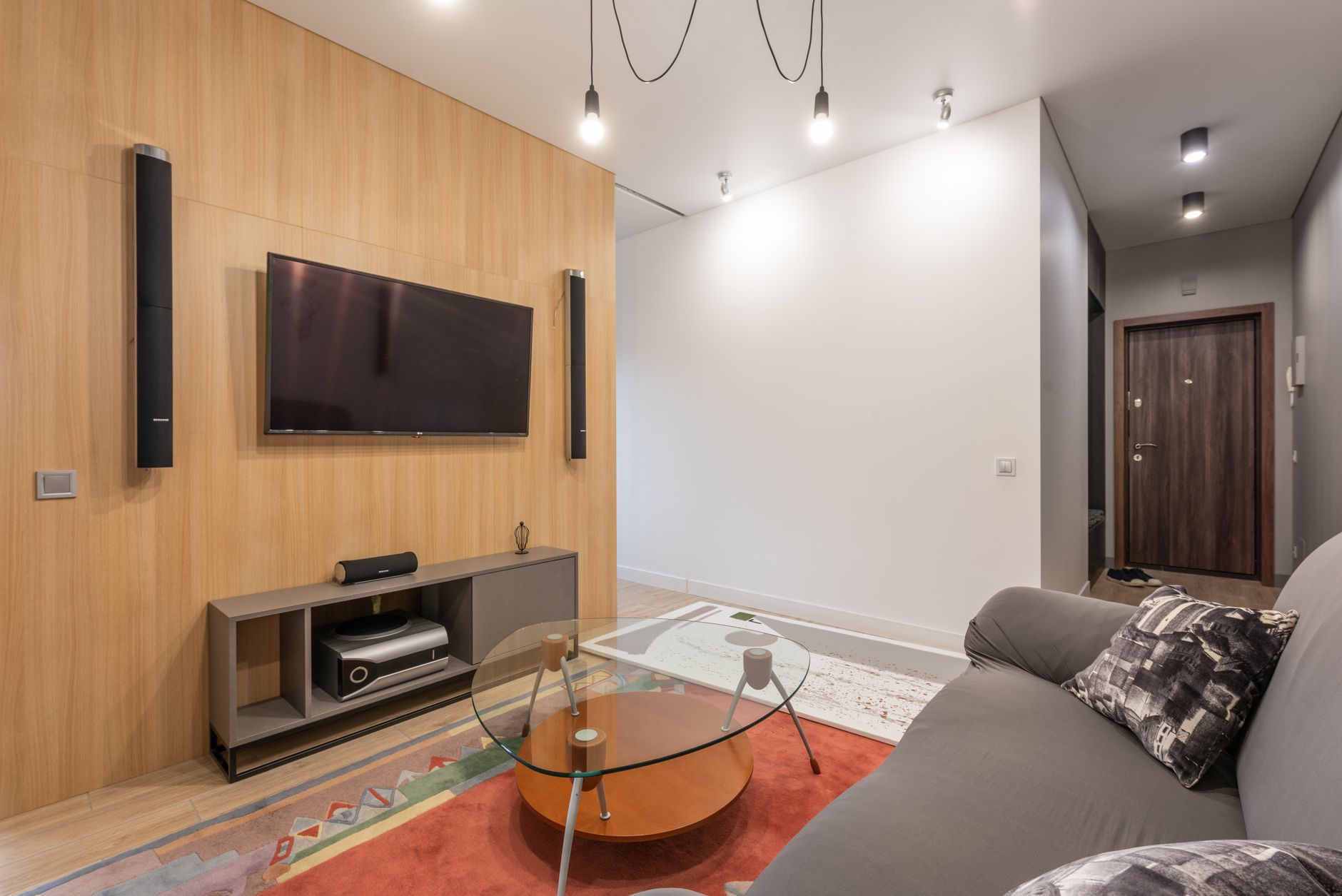
The soundbar market just had its biggest shake-up in years. With CES 2026 behind us, we’ve seen Dolby Atmos trickle down from $1,000+ flagships into the sub-$500 range, and manufacturers are finally shipping models with true HDMI 2.1 passthrough as standard. If you’ve been holding off on upgrading your TV’s anemic built-in speakers, this is the moment to strike.
Finding the best soundbar under $500 used to mean settling for glorified stereo with a fake “surround” mode. Not anymore. Today’s mid-range soundbars pack dedicated up-firing drivers, wireless subwoofers, and room calibration tech that was exclusive to premium models just 18 months ago. But here’s the catch: not every “Atmos” badge means you’ll actually hear overhead effects, and some brands are still cutting corners on connectivity.
This guide breaks down exactly what to look for, which features actually matter, and how to avoid the marketing traps that waste your money.
Why Your TV Speakers Are Holding You Back (And Why $500 Is the Sweet Spot)
Let’s be blunt: even a $2,000 OLED TV sounds worse than a $300 soundbar. Modern TVs are impossibly thin—we’re talking 20-30mm depth on flagship models—which leaves zero room for proper speaker drivers. Most TV speakers fire downward or backward, bouncing sound off your stand or wall before it reaches your ears. The result? Muffled dialogue, weak bass, and zero immersion.
The sub-$500 category hits a critical inflection point. Below $300, you’re mostly getting better stereo. Between $400-500, you unlock:
- True Dolby Atmos decoding with dedicated up-firing drivers (not just virtualization)
- Wireless subwoofers that don’t require running cables across your room
- HDMI eARC support for lossless audio from your TV
- Room correction that adapts sound to your space using built-in mics
- Voice assistant integration without needing a separate smart speaker
Spend more than $500 and you’re paying for marginal gains—slightly wider soundstages, extra surround speakers, or brand prestige. For most living rooms under 400 square feet, $500 gets you 90% of the premium experience.
The 3 Features That Actually Matter (Ignore the Rest)
Soundbar marketing is a minefield of buzzwords. Here’s what separates genuinely great models from overpriced disappointments:
HDMI eARC is non-negotiable. This isn’t just about audio quality—it’s about convenience. eARC (enhanced Audio Return Channel) lets your TV send lossless Dolby Atmos and DTS:X to the soundbar with a single cable. Without it, you’re stuck with optical cables that max out at compressed 5.1 audio. Every soundbar worth buying in 2026 has eARC. If a model only lists “ARC,” walk away.
Dedicated up-firing drivers beat virtual Atmos every time. Virtual Atmos uses psychoacoustic tricks to simulate height effects. It works okay in perfect conditions, but dedicated drivers that bounce sound off your ceiling create actual overhead audio you can pinpoint. Look for soundbars with at least two up-firing drivers (usually labeled as 3.1.2 or 5.1.2 configurations).
Wireless subwoofer placement flexibility matters more than size. A 6.5-inch sub placed in the right spot sounds better than an 8-inch sub stuck in a corner. The best models include subwoofers you can place anywhere within 30 feet of the bar. Bonus points if the sub has adjustable crossover settings—this lets you fine-tune where the soundbar hands off bass duties.
Skip the gimmicks: built-in streaming apps (use your TV’s), excessive EQ presets (you’ll use one), and “AI sound modes” that just boost treble.
Top Picks for Different Setups
The best soundbar under $500 depends on your room and priorities. Here are the standouts for 2026:
For movie lovers in medium rooms (12x15 feet or smaller): Look for a 5.1.2 system with a dedicated center channel. The center speaker handles 70% of dialogue in modern mixes, so a discrete driver makes voices crystal clear even during explosive action scenes. Models in this category typically include rear surround speakers you can wall-mount or place on stands.
For small apartments and bedrooms: A compact 3.1.2 soundbar without rear speakers is your best bet. You still get Atmos height effects and a wireless sub, but the bar itself stays under 36 inches wide—perfect for TVs 55 inches and smaller. These systems excel at near-field listening where you’re sitting 6-8 feet away.
For gamers: Prioritize HDMI 2.1 passthrough with 4K/120Hz support. This lets you connect your PS5 or Xbox Series X directly to the soundbar, then pass video to your TV without lag. Not all sub-$500 models include this—many still use HDMI 2.0, which caps you at 4K/60Hz. Check the specs carefully.
For dialogue clarity above all else: Some soundbars include a dedicated “voice enhancement” mode that isolates and boosts the center channel frequency range (typically 1-4kHz). This is a game-changer if you’re hard of hearing or tired of riding the volume remote between quiet conversations and loud explosions.
Setup Tips That Double Your Sound Quality
Even the best soundbar under $500 sounds mediocre with bad placement. Here’s how to maximize your investment:
Position the bar at ear level when seated. Most people place soundbars on their TV stand, which puts them 12-18 inches below ear height. If possible, wall-mount the bar directly below your TV at seated ear level (usually 36-42 inches from the floor). This single change improves clarity more than any EQ setting.
Run the room calibration. Every decent soundbar in 2026 includes some form of auto-calibration using a built-in mic or your smartphone. It takes 3-5 minutes and adjusts timing, levels, and EQ based on your room’s acoustics. Don’t skip this step—it’s the difference between “pretty good” and “holy crap” audio.
Disable your TV’s internal speakers completely. This sounds obvious, but many people leave TV speakers active “for extra volume.” All this does is create echo and phase issues. Go into your TV’s audio settings and set output to “External Speakers” or “HDMI ARC” only.
Adjust the subwoofer crossover. Start with the crossover at 80Hz (the THX standard). If bass sounds boomy, lower it to 60Hz. If voices sound thin, raise it to 100Hz. The goal is a seamless handoff where you can’t tell where the soundbar ends and the sub begins.
Use the right HDMI port. Connect your soundbar to your TV’s HDMI port labeled “eARC” or “ARC”—usually HDMI 3 on most models. Using the wrong port means no audio or compressed sound only.
Common Mistakes That Waste Your Money
The biggest mistake? Buying based on wattage. Manufacturers slap “500W!” on the box, but that’s peak power across all channels, not continuous output. A well-engineered 200W soundbar with quality drivers destroys a cheap 500W system with paper cones.
Another trap: assuming more channels always means better sound. A 7.1.4 system sounds impressive on paper, but if those extra drivers are tiny 1-inch tweeters, you’re getting quantity over quality. For rooms under 300 square feet, a well-tuned 3.1.2 system often sounds better than a cramped 7.1.4 setup.
Finally, don’t cheap out on cables. Your soundbar likely includes an HDMI cable, but if you’re connecting a gaming console or 4K Blu-ray player directly, use certified Ultra High Speed HDMI cables. They’re rated for 48Gbps bandwidth and ensure you’re getting full Atmos metadata without dropouts.
The Bottom Line: Your Ears Will Thank You
The best soundbar under $500 transforms your TV from a screen you watch into an experience you feel. You’ll hear dialogue you’ve been missing for years, feel bass that adds weight to action scenes, and finally understand why people obsess over Dolby Atmos.
Start by measuring your room and deciding whether you need rear surround speakers. Then prioritize HDMI eARC, dedicated up-firing drivers, and a wireless subwoofer you can place optimally. Run the room calibration, position everything correctly, and prepare for your favorite movies and shows to sound better than ever.
The gap between budget and premium audio has never been smaller. Take advantage of it.