
Thin TV Wall Mount Spacing Guide: The 2026 Ultra-Slim TV Reality Check
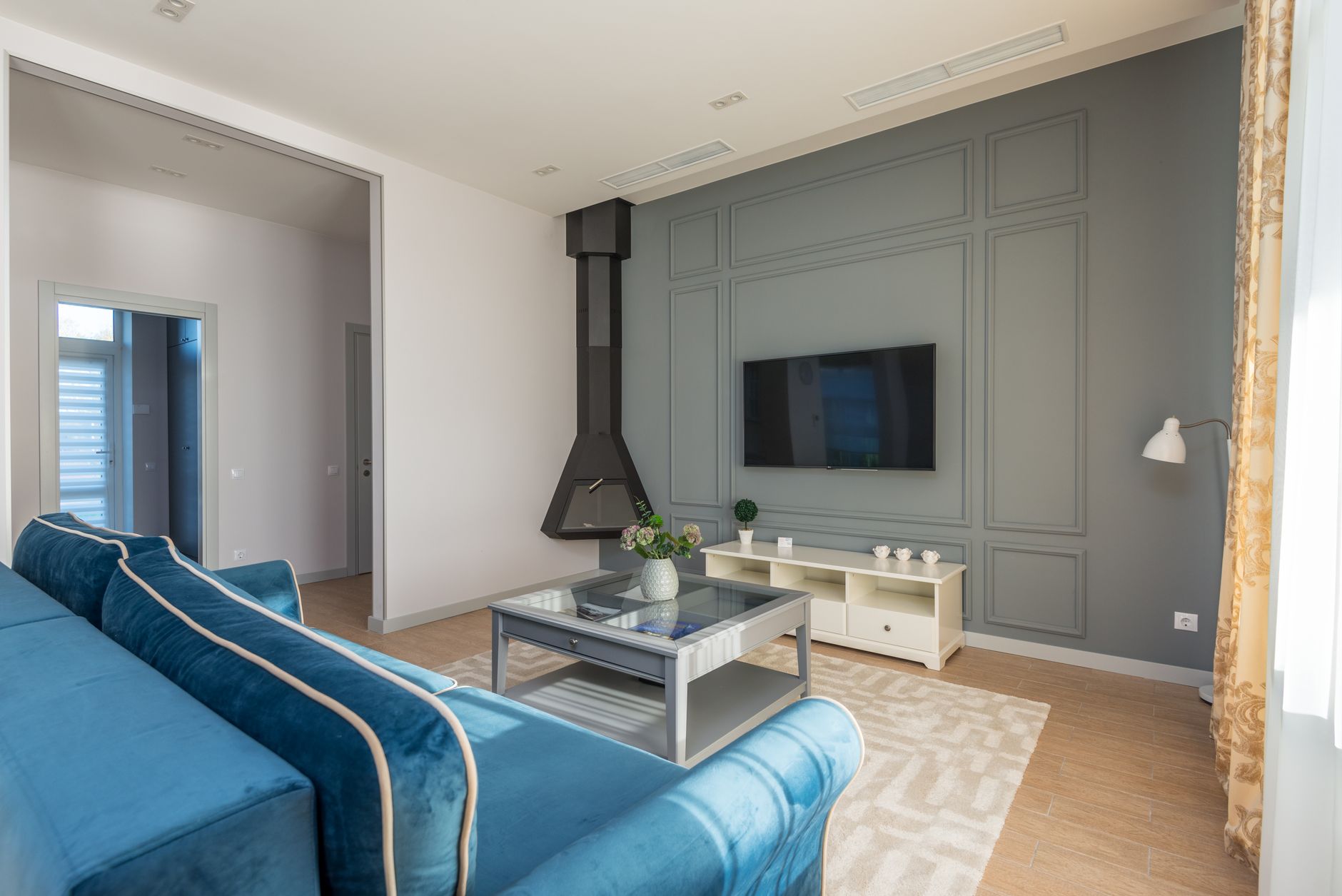
The TV hanging on your wall in 2026 isn’t the same beast from five years ago. With Consumer Reports flagging new TV technology coming in 2026—think sub-1-inch OLED panels, micro-LED modules, and Samsung’s latest “Zero Gap” designs—we’re mounting displays that are essentially high-tech sheets of glass. Thinner than a smartphone, lighter than your laptop, and deceptively demanding about what happens behind them.
Here’s the problem nobody talks about: the thinner your TV gets, the more unforgiving your wall mount spacing becomes. That whisper-thin profile leaves zero room for error on cable management, heat dissipation, and stud alignment. Get your thin TV wall mount spacing wrong, and you’re either staring at a warped panel in six months or fishing HDMI cables through drywall at midnight.
This isn’t your standard “measure twice, drill once” tutorial. This is the thin TV wall mount spacing guide for the new reality of 2026 television—where millimeters matter and the old rules no longer apply.
Why 2026’s Ultra-Thin TVs Break Traditional Mounting Logic
The 2026 TV landscape has shifted dramatically. LG’s latest G5 OLED measures 6.9mm at its thinnest point. Samsung’s S95F hits 5.8mm. Even budget mini-LED sets from TCL and Hisense are pushing under 15mm. These aren’t just thinner—they’re structurally different.
Traditional mounts assumed your TV had a spine. A chunky center chassis where electronics lived, creating natural standoff distance from the wall. Modern ultra-thin TVs distribute components across the entire panel or offload them to external connection boxes. This changes everything:
- No natural airflow gap: The panel itself becomes the heat sink
- Rigidty concerns: Thin panels flex more; uneven mount pressure creates micro-stresses
- Connection relocation: Ports may sit on a separate “One Connect” box or side wings, not the back center
Your mount spacing now directly impacts thermal performance and panel longevity. A flush mount that worked beautifully on your 2020 TV might slowly cook a 2026 model.
The Real Spacing Numbers for Thin TV Wall Mounts
Let’s cut through manufacturer vagueness. Here’s what “thin” actually requires in practice:
Minimum wall standoff for active cooling: 0.75 inches (19mm) This isn’t about aesthetics—it’s about survival. 2026 OLED panels run warmer than previous generations due to brighter MLA (Micro Lens Array) implementations. A true flush mount (<0.5” gap) traps heat against drywall, accelerating organic compound degradation.
Recommended working clearance: 1.25–1.5 inches (32–38mm) This sweet spot lets you:
- Route cables without kinking (HDMI 2.1 cables need 2-inch bend radius minimum)
- Access side-mounted ports on connection boxes
- Allow convective airflow even with the TV running at peak brightness
Maximum practical spacing before aesthetics suffer: 2.5 inches (64mm) Beyond this, your ultra-thin TV starts looking like it’s floating on a shelf rather than mounted. The visual promise of “paper-thin” collapses.
Critical exception for micro-LED modular panels: 0.25-inch tolerance across entire array Samsung’s 2026 micro-LED line requires near-perfect planar alignment. Any spacing variation between modules creates visible seam lines. Professional installers now use laser levels and shim kits—not eyeballing.
VESA Patterns and the Hidden Spacing Problem
VESA 200×200, 300×300, 400×400—these hole patterns don’t tell you the full story. On 2026 ultra-thin TVs, the distance from VESA holes to panel edges, ports, and internal bracing has shifted.
The new measurement that matters: VESA-to-edge offset
Samsung’s 2026 S95F 65-inch: VESA 300×200, but only 18mm from hole centers to panel top edge. A mount with vertical arms extending above the VESA plate risks visible hardware or worse, pressure points on the panel’s thinnest section.
LG’s 2026 G5 77-inch: VESA 400×400 with asymmetric offset—more clearance at bottom where processing electronics cluster, minimal at top. Standard symmetric mounts don’t account for this.
Practical fix: Before buying any mount, download the manufacturer’s dimensional drawing (not the glossy product photo). Measure:
- VESA hole spacing (obviously)
- Distance from VESA center to nearest panel edge
- Distance from VESA plane to back panel surface (some 2026 models have recessed mounting areas)
Your mount’s arm profile must sit entirely within these boundaries, or you’re forcing the TV to bow slightly against the bracket—death by a thousand micro-stresses for an ultra-thin panel.
Cable Management: The Spacing You Can’t See
Here’s where most thin TV installs fail silently. You’ve nailed the wall standoff. Your VESA spacing is perfect. Then you connect three HDMI 2.1 cables, an optical audio cable, and power.
Ultra-thin TVs increasingly use breakout boxes or side-mounted connection strips. The 2026 Samsung S95F routes everything through a slim external box connected by a near-invisible fiber cable. LG’s G5 puts ports on a side wing that folds flat for mounting, then extends for access.
Your spacing checklist:
- Breakout box placement: If your TV uses an external connection box, where does it live? Some mounts include bracket clips; others leave you double-stick taping to the wall. Account for this in your vertical spacing plan.
- Cable entry angle: HDMI 2.1 and 2.2 cables are thick and stiff. A 90-degree adapter helps, but adds depth. Measure your total cable bundle thickness at the entry point, not just individual cable diameters.
- Power brick reality: Many 2026 “thin” TVs still use external power bricks. That brick needs somewhere to hide. Wall-mount it behind the TV with adequate ventilation, or accept it dangling below—your spacing planning must include this eyesore.
Pro tip from installers: For ultra-thin installs, use fiber-optic HDMI cables. They’re thinner, more flexible, and don’t care about bend radius. The 2026 spec supports 48Gbps over fiber without signal degradation. Worth the extra cost for spacing sanity alone.
The Stud Spacing Wildcard Nobody Mentions
Standard US stud spacing: 16 inches on-center. TV mount arms: designed for 16” or 24” spacing. Simple, right?
Except when it isn’t. Older homes, retrofit additions, steel studs, and Chicago-style balloon framing all throw curveballs. With heavy traditional TVs, you simply bought a wider mount or used toggle bolts in drywall. With 2026’s ultra-thin, ultra-light panels, this logic inverts.
Lightweight + thin = more sensitive to mount flex
A 2026 65-inch OLED might weigh 35 pounds versus 55 pounds for a 2020 equivalent. Lighter seems easier, but the mount itself becomes a larger percentage of the total system mass. Any flex in the mount arms telegraphs directly to the thin panel as visible waviness.
Your stud spacing strategy:
- 16” studs, centered: Standard articulating mount, no problem
- Off-center studs, 12” or 20” spacing: Use a fixed low-profile mount with horizontal rail adjustability—not arms that extend unevenly
- No studs where you need them: For ultra-thin TVs under 40 pounds, modern toggle anchors (Toggler Snaptoggles, specifically) rated for 80+ pounds in drywall can work with fixed mounts. Skip articulating arms that create lever stress.
- Steel studs: Mandatory plywood backer or specialized steel stud anchors. The flex issue amplifies with thin-gauge steel.
Conclusion: Measure for the TV You Actually Bought
The thin TV wall mount spacing guide your neighbor used in 2022 doesn’t apply to the panel you unboxed this weekend. 2026’s ultra-thin, ultra-bright, externally-connected televisions demand a new precision—measuring in millimeters, accounting for thermal behavior, and planning for cable infrastructure that lives outside the display itself.
Before you drill a single hole: pull the dimensional drawing, check your VESA-to-edge offsets, decide where that breakout box hides, and give yourself 1.25 inches of working clearance minimum. The “floating sheet of glass” aesthetic only works when the engineering behind it is invisible and bulletproof.
Your 2026 TV deserves better than a 2020 mount and a prayer.